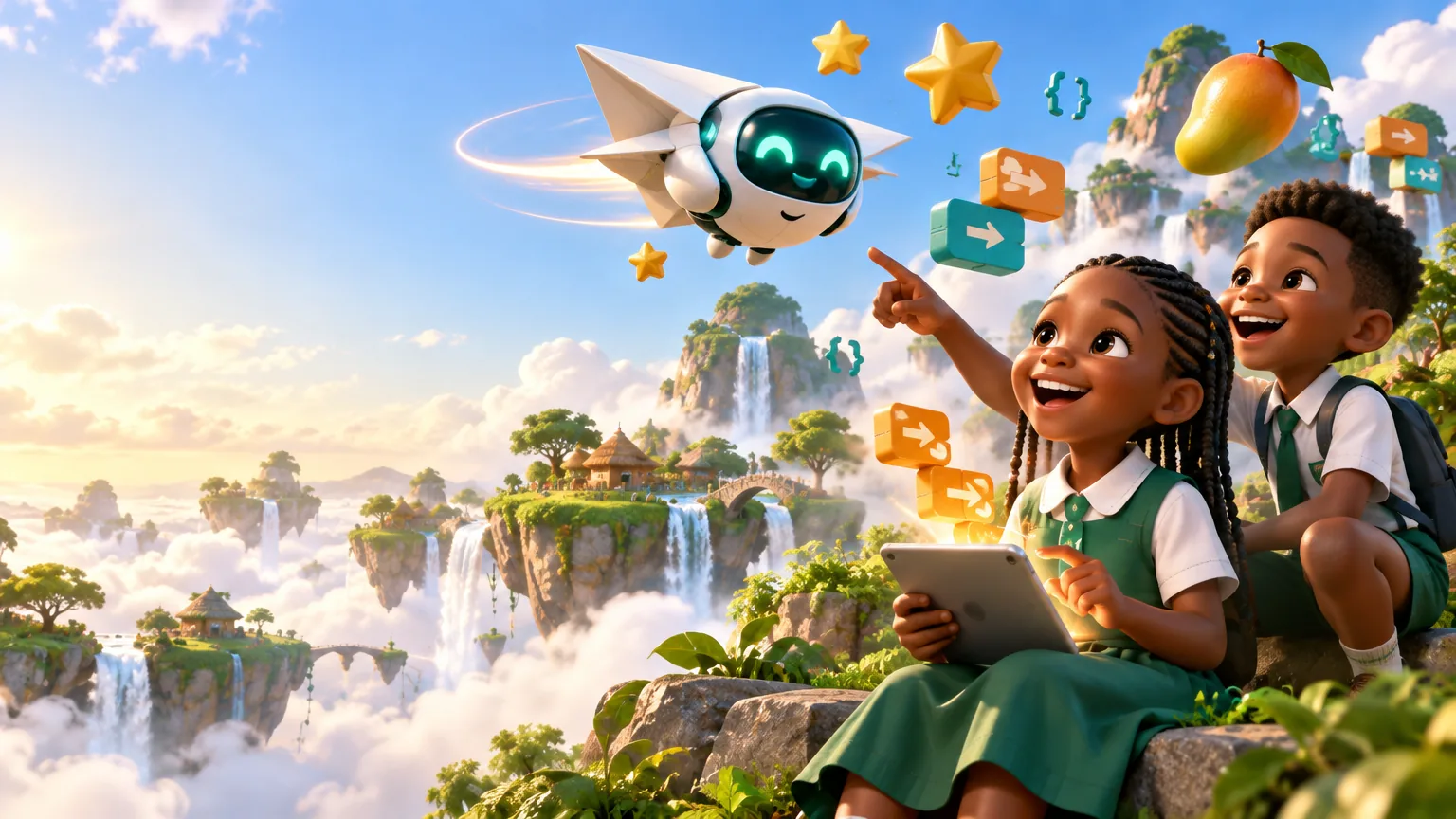
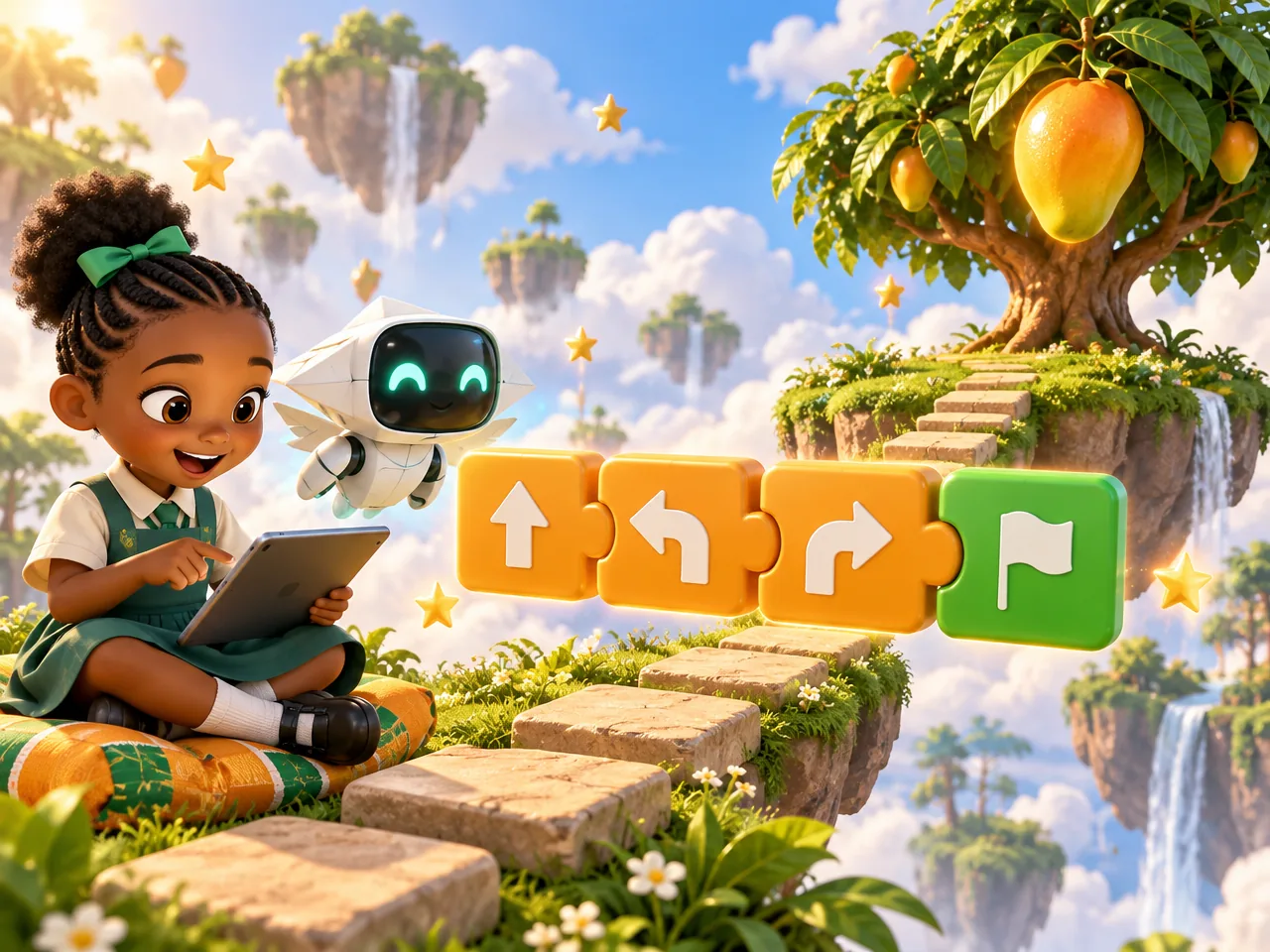
Two Nigerian pupils code on a tablet while Pip, the paper-plane robot, flies over floating islands with stars and code blocks

Play the game.Write the code.Build the future.

Children follow Pip, a paper-plane robot, across a world of weekly missions. Every win teaches real computing, and by SS3 they are building apps with databases and AI, with certificates to prove it.

How it feels to play

It looks like a game. It teaches like a great teacher.

These are real screens from Code School today, not mock-ups.

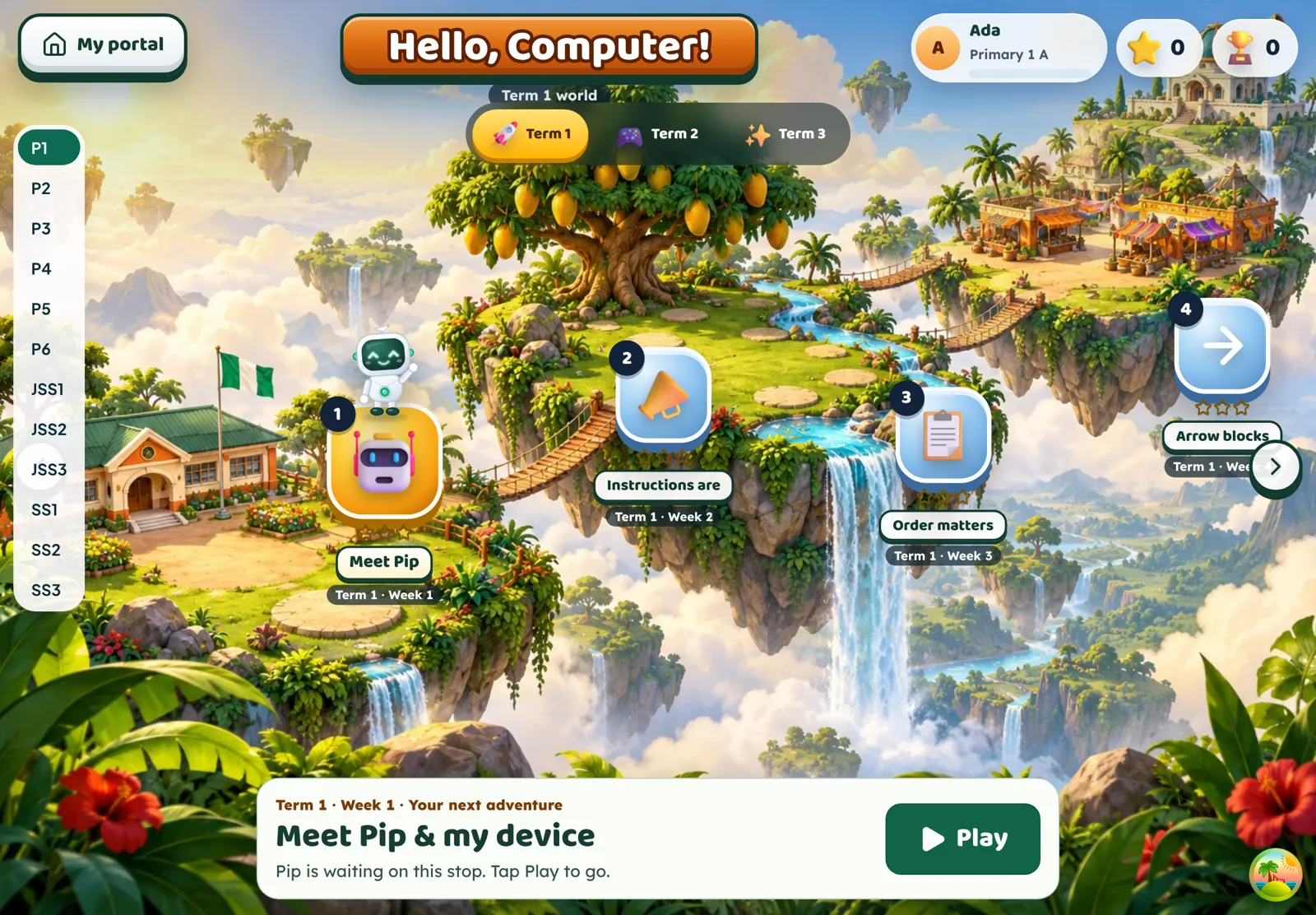
  1. The Code School world map with numbered weekly missions on floating islands

    Step 1

    Open the world map

    Every term is an island path. The next adventure always glows, so children want to press Play.

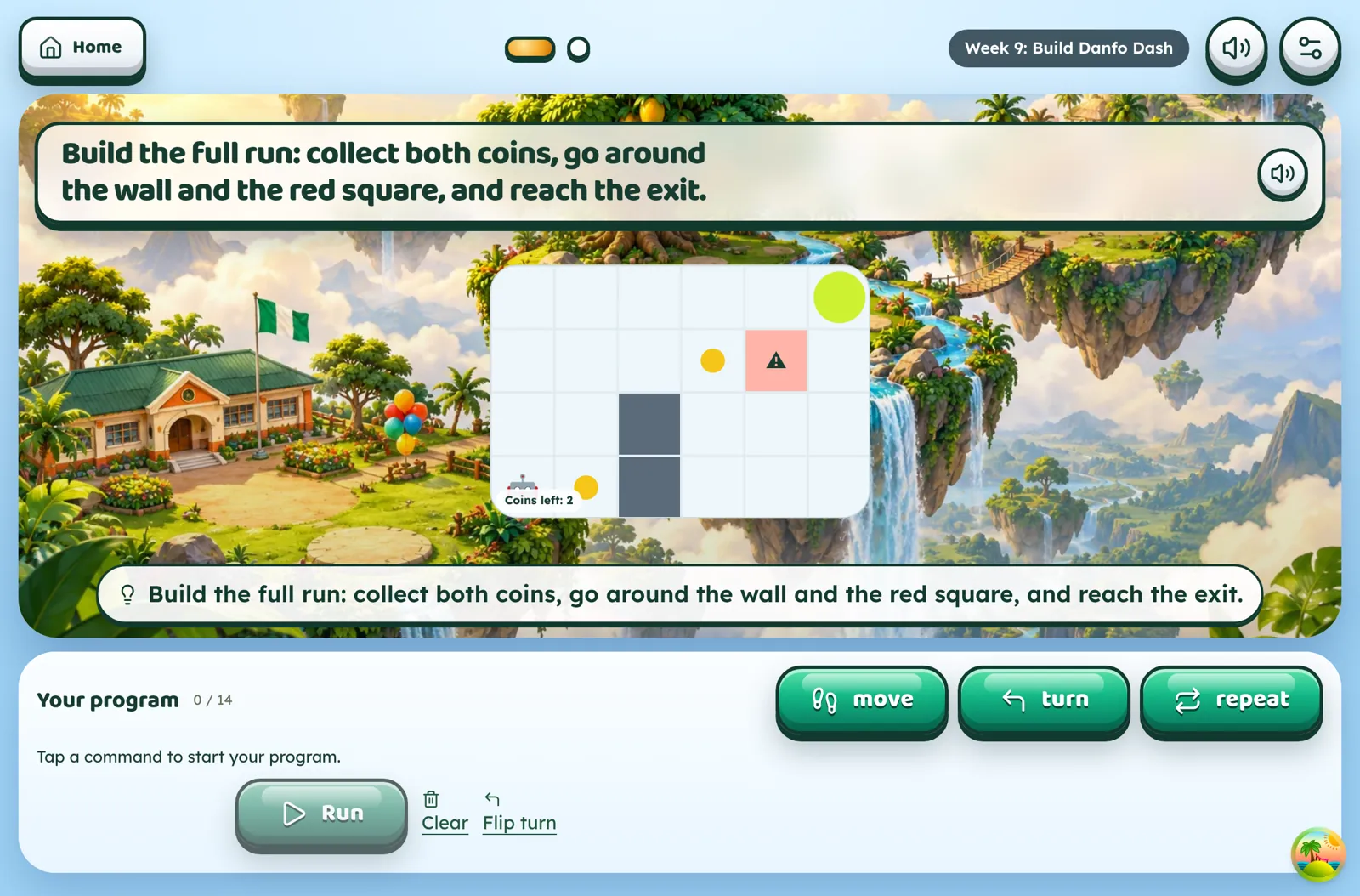
  2. An Arcade mission where the pupil plans a route to collect coins and reach the exit

    Step 2

    Solve it with code

    Snap arrow blocks, drive a danfo through an arcade level, or type real JavaScript and Python. Pip gives hints, never the answer.

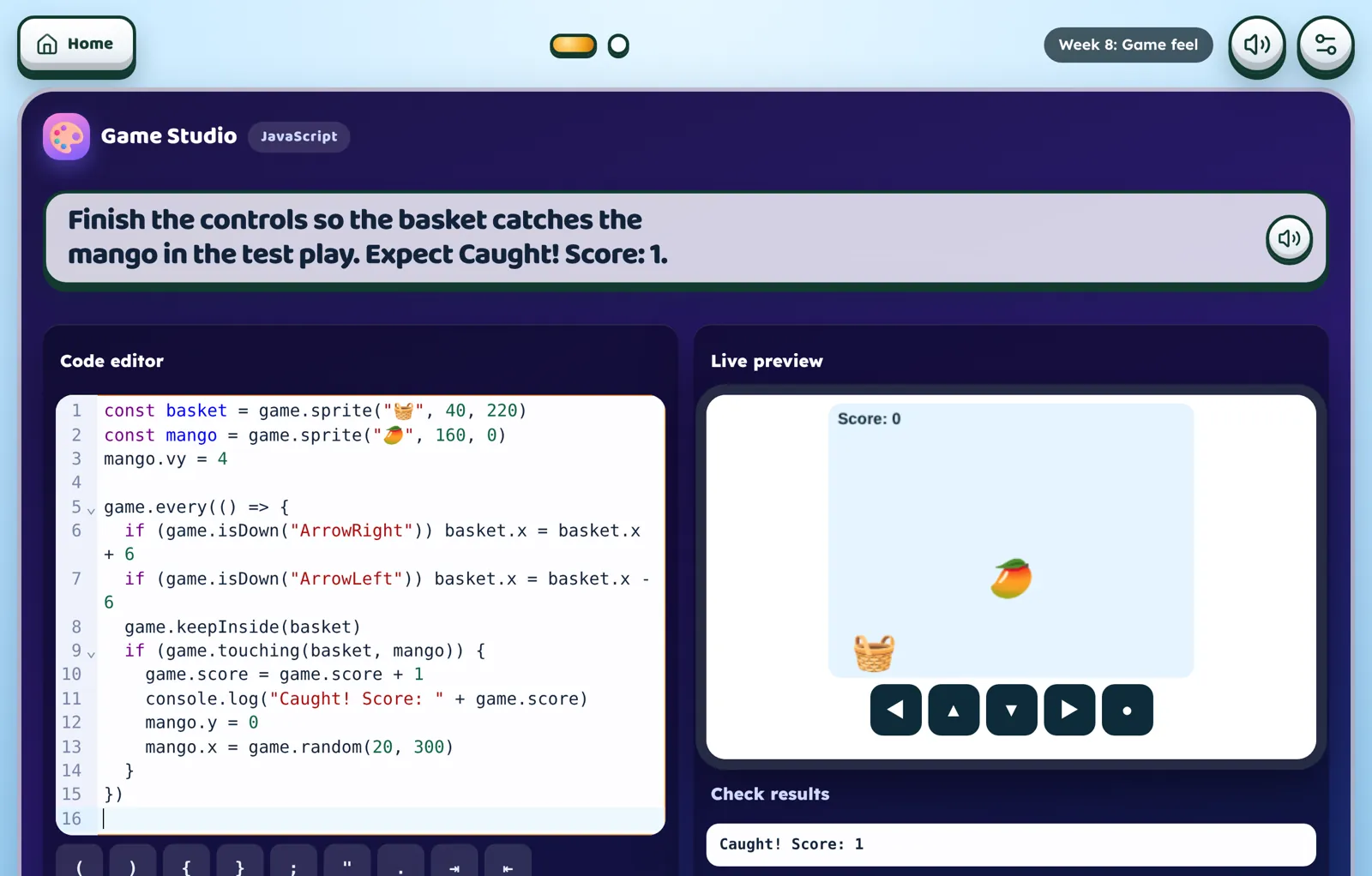
  3. Game Studio: typed JavaScript on the left, the pupil’s live game and passing check on the right

    Step 3

    Win stars that count

    Stars and streaks keep the fun going. Official progress is checked on the server or by the teacher, so every win is real.

One journey, four worlds

What your child will build, year by year.

Thirty-six missions a year, three terms, one big project at the end of each term. The world grows up with your child.

  1. Explorers Primary 1–3
  2. Creators Primary 4–6
  3. Builders JSS1–3
  4. Innovators SS1–3
A young pupil snaps glossy arrow blocks together to guide Pip along a stone path to a mango tree
Sunny storybook islands

Stage 1 · Primary 1–3

Explorers

Before they can read well, children learn to think like programmers: step by step, in order, fixing mistakes.

What they build

  • Help Pip reach the mango with arrow blocks
  • A talking storybook they animate
  • Catch the Mangoes, their first game
  • My School Helper, a friendly AI idea planned with the teacher
  • Picture blocks
  • Tap-first missions
  • Loops and sounds
  • Bug Hospital

Showcase Day every term
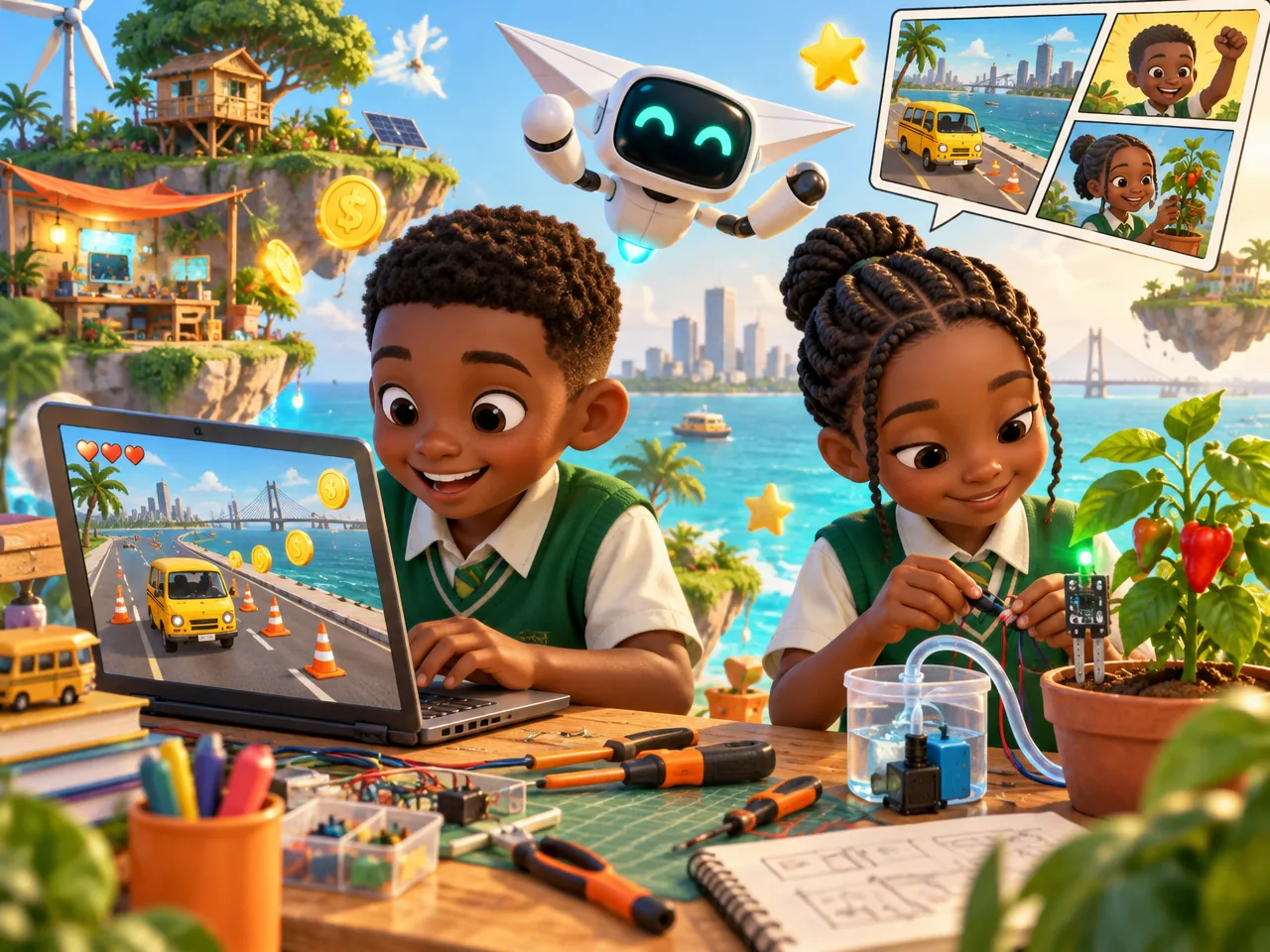
Two pupils build a danfo arcade game on a laptop and wire a smart-garden gadget with a water pump
Ocean workshop

Stage 2 · Primary 4–6

Creators

Ideas become things they can show off: games with score and lives, gadgets that sense the world, and real web pages.

What they build

  • Danfo Dash, an arcade game with coins, walls and hazards
  • A smart-farm gadget that waters dry soil
  • An animated comic and a product web page
  • A personal portfolio for the Primary AI Innovation Fair
  • Arcade Workshop
  • Gadget Board
  • Stage with sprites
  • Web and Python Studio

Primary AI Innovation Fair (P6)

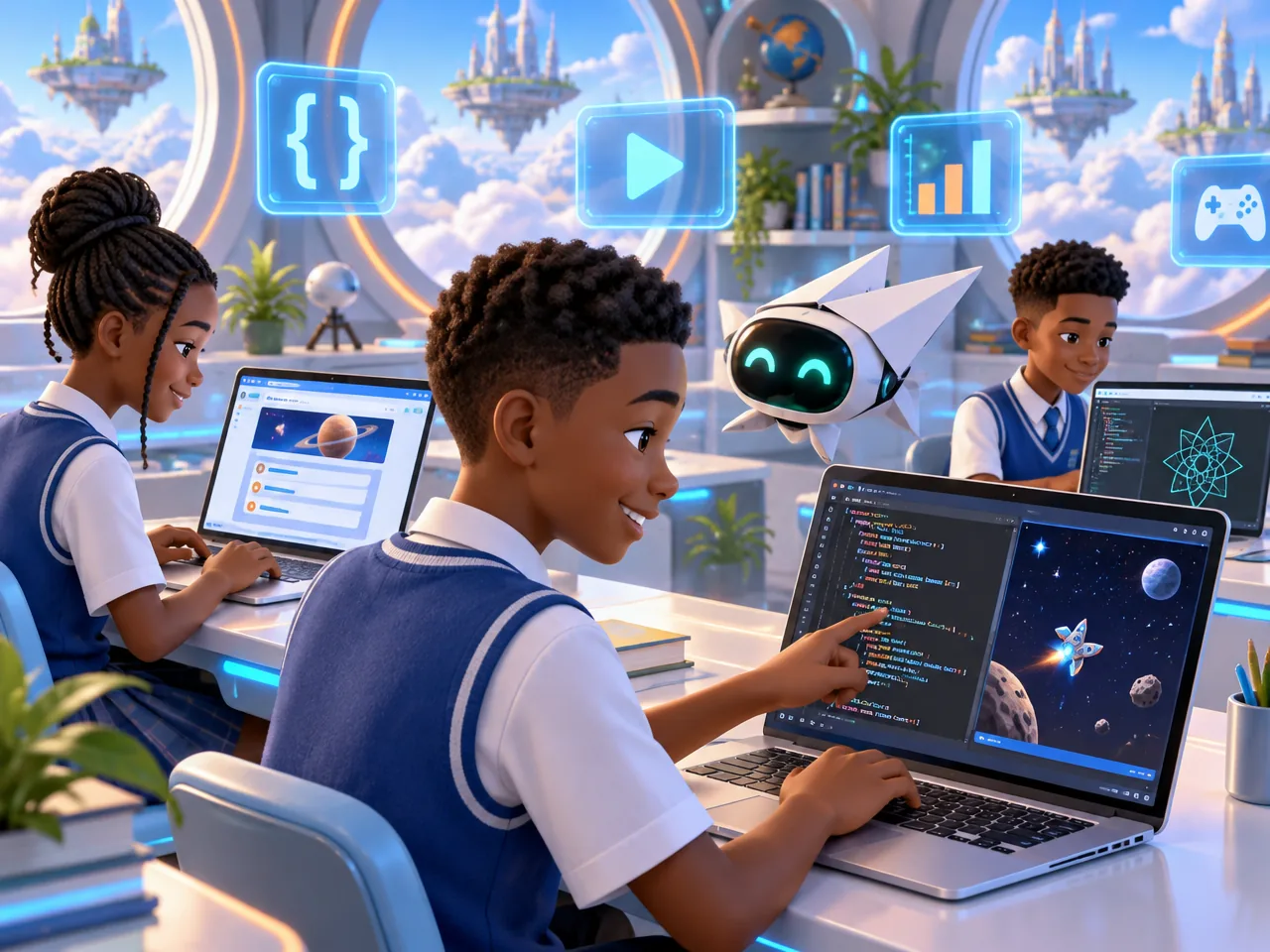
Junior secondary students type code, build a quiz web page and draw a turtle-graphics pattern in a sky lab
Sky lab

Stage 3 · JSS1–3

Builders

Blocks give way to typed code. Students write JavaScript and Python and build tools their school could actually use.

What they build

  • A Tuck-Shop Cashier and a Results Analyzer
  • Game Jam: a typed JavaScript game with controls and collisions
  • A quiz app and a Know Nigeria website
  • A portfolio website for Builder Graduation
  • Game Studio (JavaScript)
  • Python Studio
  • Web Studio
  • Turtle graphics

Builder Graduation (JSS3)

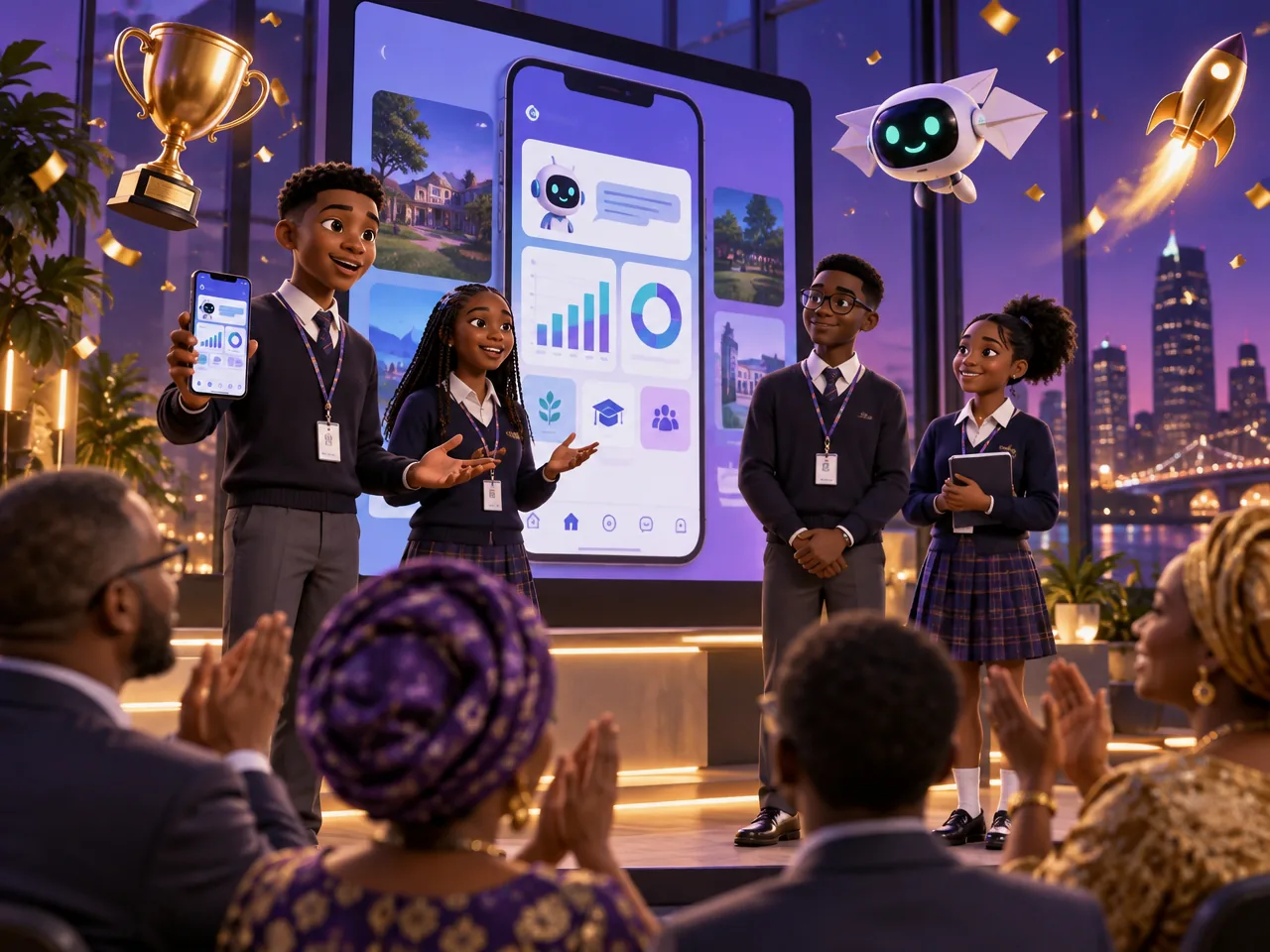
A team of senior secondary students present their capstone app to applauding parents at a demo day
Night launch studio

Stage 4 · SS1–3

Innovators

Teams build complete apps the way professionals do: databases, servers, interfaces, testing and safe use of AI.

What they build

  • An Ajo savings tracker and a Library App with real SQL
  • An AI app with guardrails and testing
  • Data reports and recommendations
  • A capstone product, portfolio and CV for Demo Day
  • SQL workspace
  • Full-Stack Lab
  • React and pandas workspaces
  • Teacher-guided AI

AI Innovation Demo Day (SS3)

Real tools, real code

From picture blocks to the code professionals write.

Arrow Blocks, Word Blocks, Stage, Arcade Workshop, Gadget Board, Web Studio, Python Studio, Game Studio, a SQL workspace and a Full-Stack Lab, all inside one safe place.

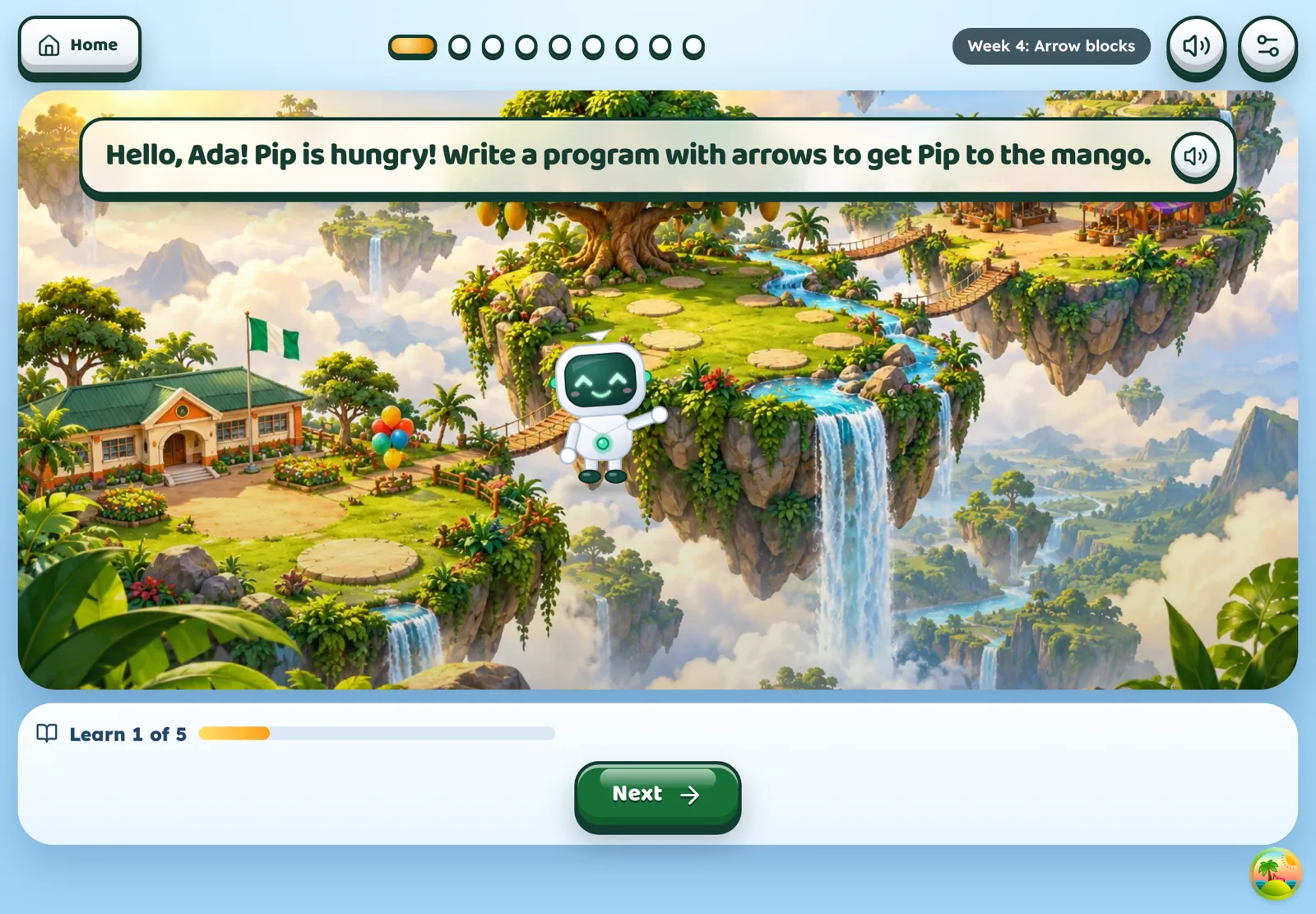
  • Pip waits on a floating island for the pupil’s arrow programArrow Blocks · P1
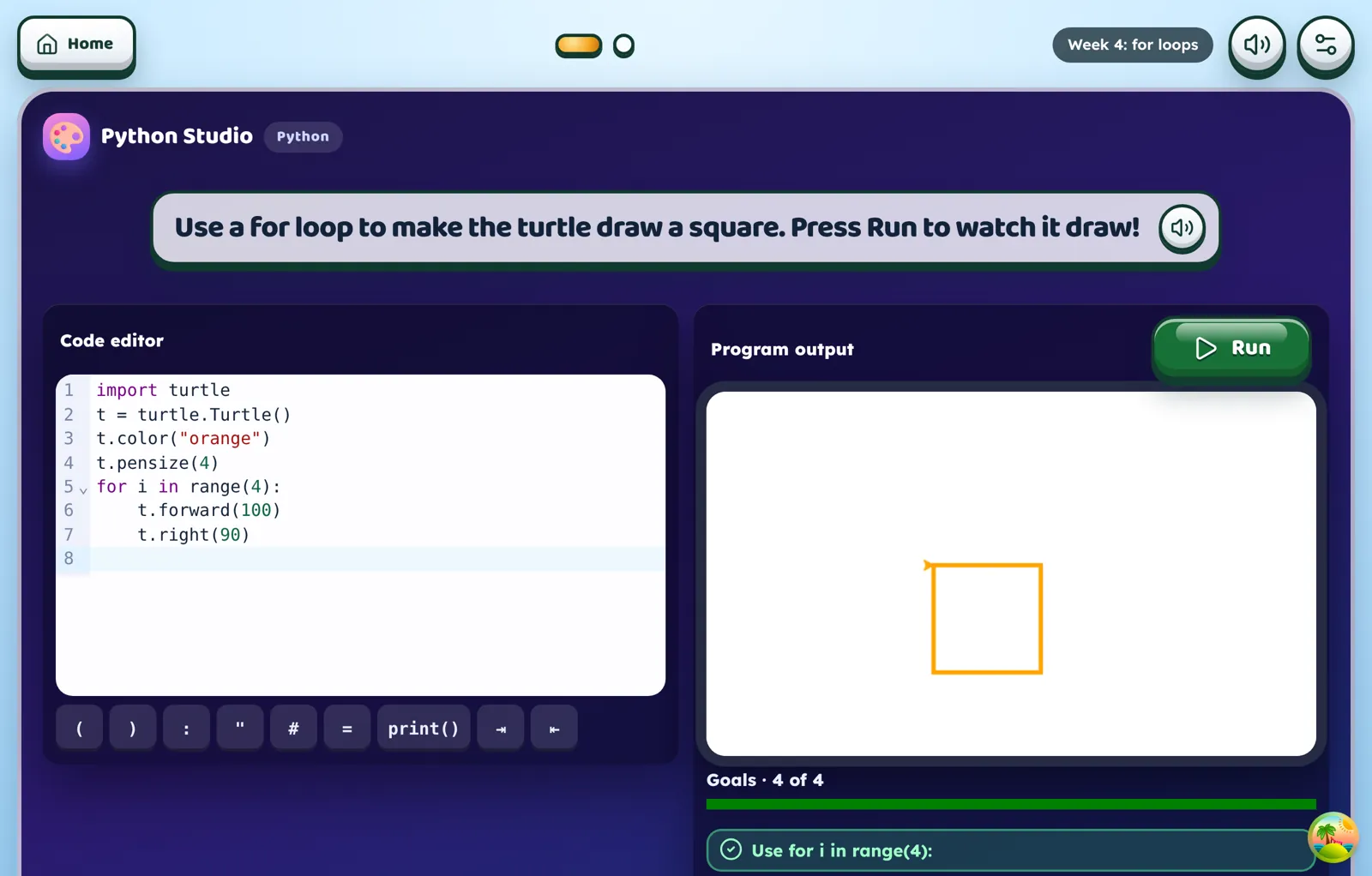
  • Python Studio: a for loop draws an orange square, with all four goals passedPython Studio · P6
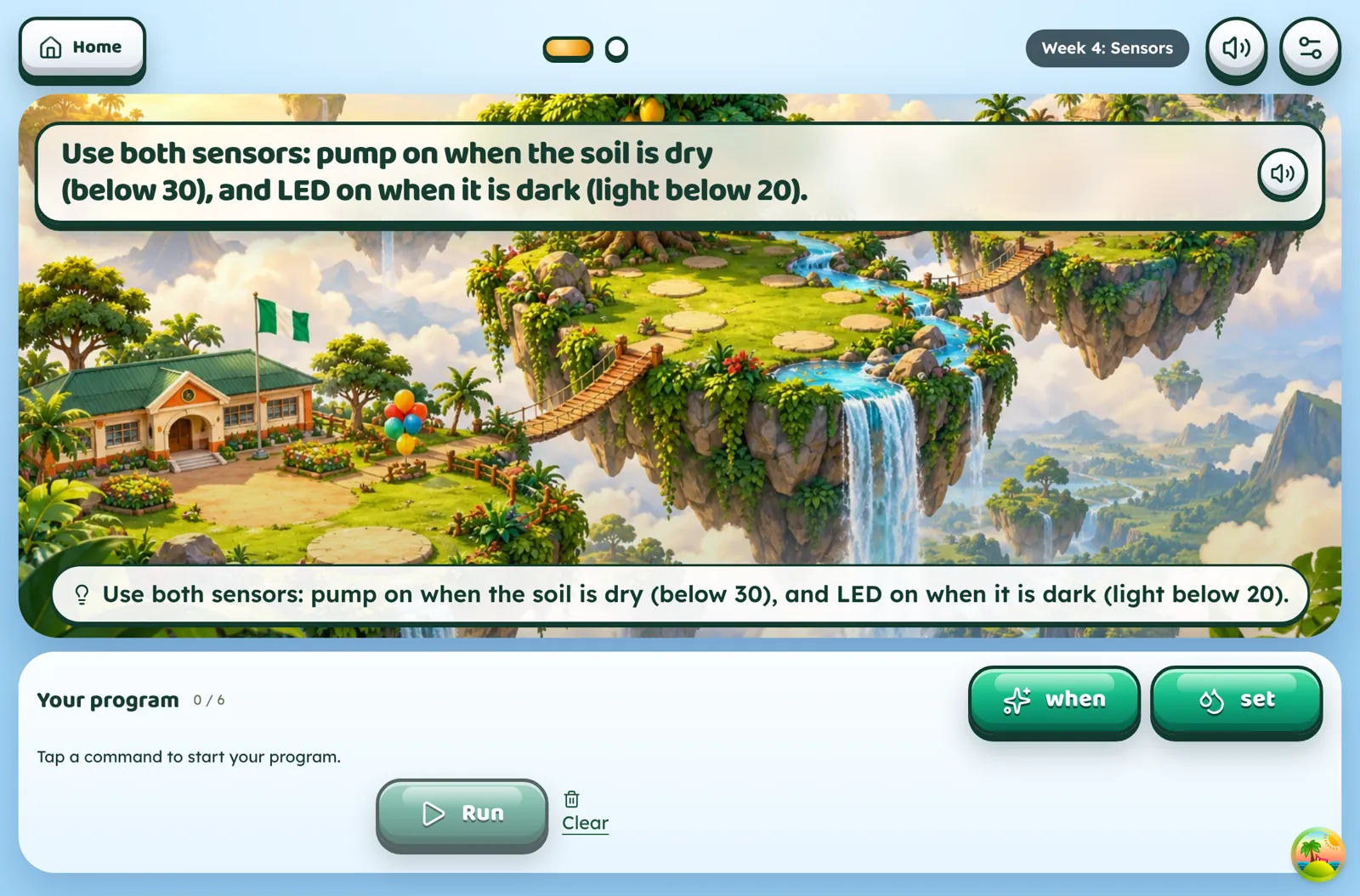
  • Gadget Board mission using soil and light sensorsGadget Board · P5
  • Game Studio with a typed catch-the-mango game and a passing test playGame Studio · JSS2
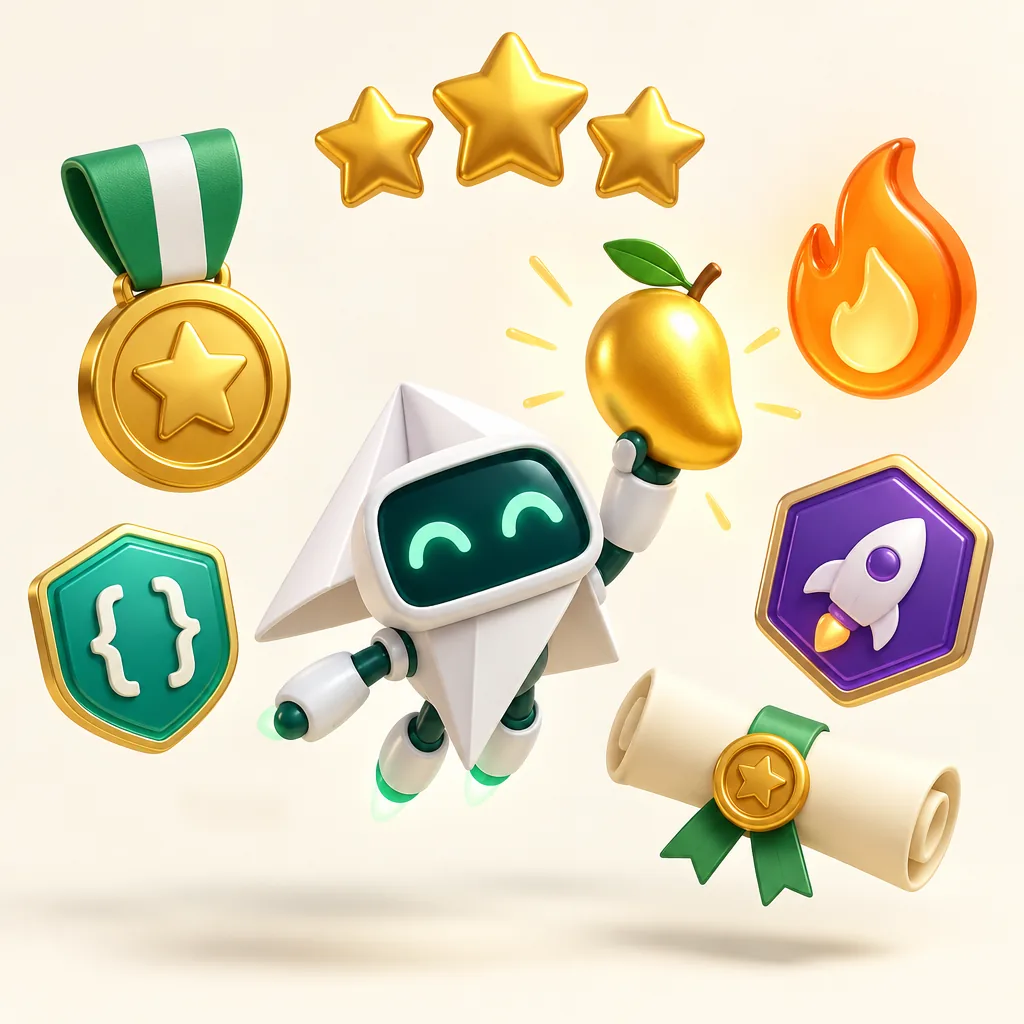
Pip holds a golden mango among gold stars, a medal, a streak flame, badges and a certificate scroll

Why children keep coming back

Rewards that feel like a game, and mean something.

  • Stars on every mission

    Up to three stars for clean, clever solutions.

  • School-day streaks

    A streak for showing up, without punishing weekends or holidays.

  • Class showcase

    The best builds go up for classmates once the teacher approves, first names only.

  • Pip’s hints

    Three levels of help that nudge, so the win still belongs to the child.

  • Code Snacks

    Replay favourite challenges just for fun, any time.

  • Celebrations

    Confetti, stars and a cheer from Pip when a program works.

Certificates

Earned, not printed for everyone.

Every term, children can earn a Code School certificate. It is issued only when at least 80% of that term’s activities were checked by the server or confirmed by the teacher. Device stars alone never count.

  • Backed by verified work, with the number of checked activities printed on it
  • A unique code and QR that anyone can scan to confirm it is real
  • The public check shows only a first name, initial, school and term
  • Prints beautifully on A4 for the wall, the portfolio or the next school

SchoolPilot Code School

Certificate of Achievement

Awarded to

Ada Okafor

For completing Primary 4 Code School, Term 2. 34 of 38 activities were checked by the server or confirmed by a teacher.

Sunrise Academy, Abuja

Certificate K7Q2M9X4B1TR

Sample certificate. Names and codes are illustrative.

The capstone

They finish with something real to show the world.

Each stage ends on a stage. The journey ends at Demo Day, where SS3 teams present an app they planned, built, tested and shipped together.

  1. P6

    Primary AI Innovation Fair

    Pupils present a portfolio of games, gadgets and web pages to families.

  2. JSS3

    Builder Graduation

    Each student publishes a portfolio website of their best typed-code projects.

  3. SS3

    AI Innovation Demo Day

    Teams ship a working app in sprints, test it, and demo it with a portfolio and CV.

What they leave Code School with

  • A portfolio of games, websites, data reports and apps
  • A verified certificate for every term they complete
  • A capstone app demoed to parents and teachers
  • A CV-ready story of what they built and how
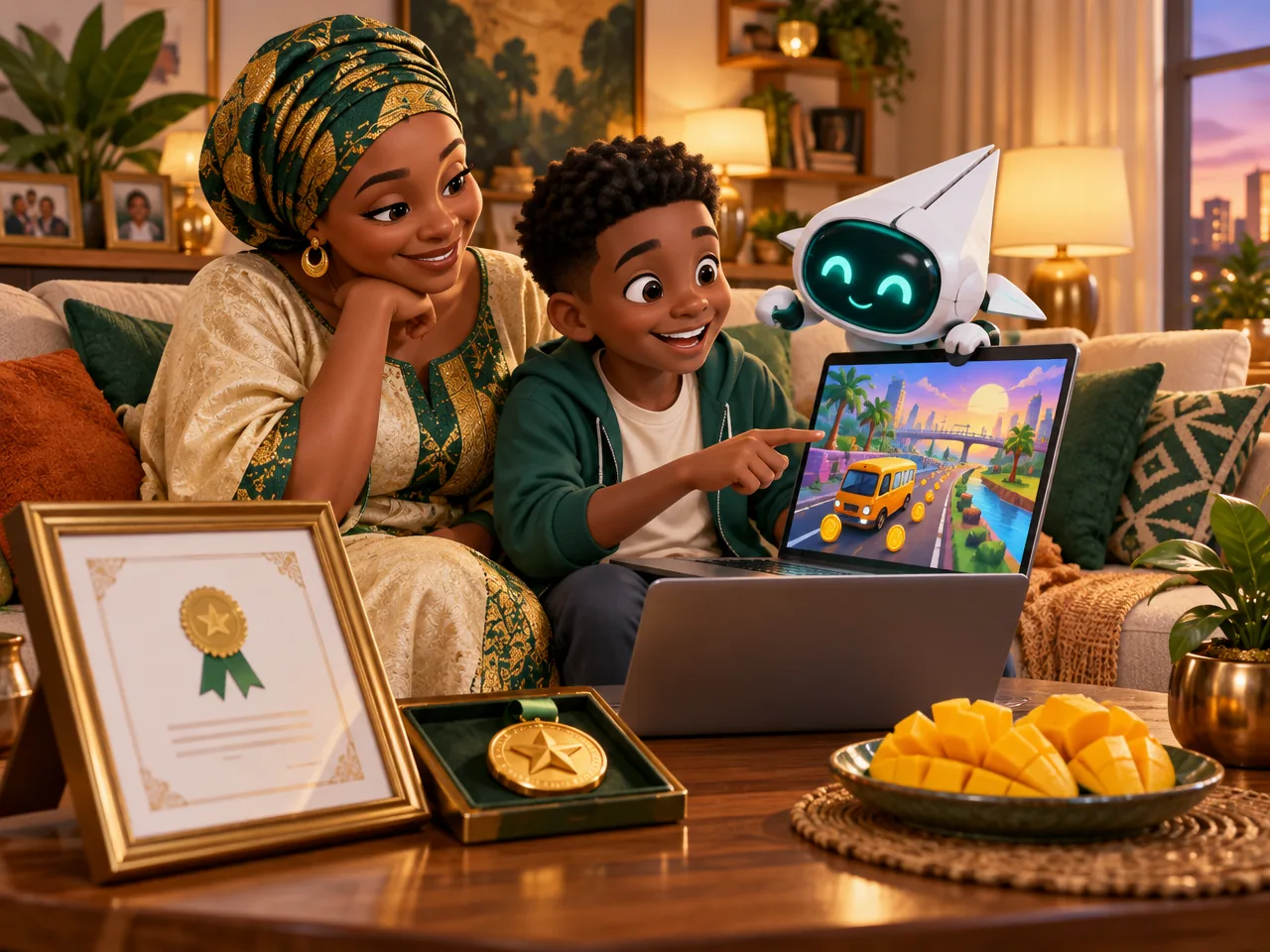
A proud mother watches her son show the game he built, with his framed certificate and medal on the table

For parents

Screen time you will be proud of.

Instead of scrolling, your child is creating. You see what they made, how they are growing, and the certificates they earn.

  • See real progress

    Missions finished, creations saved and certificates, right in the SchoolPilot parent portal.

  • Safe by design

    No adverts, no chat with strangers, first names only in class galleries, and AI only with a teacher.

  • Works on school data budgets

    Missions can be downloaded and played offline, then sync when the internet is back.

  • Skills for the future

    Logic, problem solving, creativity and teamwork, with a portfolio to prove it.

Is your child’s school on SchoolPilot? Ask them to switch on Code School. Family accounts for home practice are opening soon.

For schools

A complete computing department, ready on Monday.

Code School lives inside the SchoolPilot you already use. No new logins, no separate app, and every week planned for your teachers.

Request a school demo
  • Lab Mode: start a class session, approve devices, pause and resume
  • Teacher kits for every week, with answers and rubrics
  • Class progress, evidence and teacher review in one place
  • Optional sync of Code School marks to your report sheet
  • Certificates issued only when the work is verified
  • Works on phones, tablets, laptops and offline

Questions parents ask

Does my child need to know how to code already?

No. Primary 1 starts with picture blocks and a friendly robot. Typed code arrives gradually, and by secondary school students write real JavaScript, Python and SQL.

How does a school get Code School?

Code School is a SchoolPilot add-on for schools. Your school switches it on for the classes it chooses, and pupils play from their student portal or in Lab Mode with their teacher.

What makes the certificates trustworthy?

A term certificate is issued only when most of that term’s activities were checked by the server or confirmed by a teacher. Every certificate has a code and QR that anyone can check online.

Can my child practise at home?

Pupils can open their school’s Code School from home through the student portal. Family accounts for home practice without a school are opening soon.

Is AI safe for children here?

Younger pupils never chat with AI. They plan ideas and their teacher runs AI with them. Secondary students use AI inside guided projects with limits, and teachers can see what it said.

Pip is ready. Is your school?

Give every child a fun, safe way to become a creator, from their first arrow block to their first app.